

Tools and providers
Part of GrantFinder vs GrantNav: which UK grant database is better?
GrantFinder vs GrantNav: which UK grant database is better?
GrantFinder and GrantNav compared on Innovate UK rounds, council schemes and charitable grants, with licence costs, coverage gaps and a free starting point.
What to take away
- GrantNav is a free, open-data search of grants already awarded by UK funders.
- GrantFinder is a paid subscription that lists funding opportunities you can still apply for.
- GrantFinder is stronger on live Innovate UK competitions and alerts; GrantNav is stronger on evidence of who funds what.
- Neither decides eligibility, and neither covers tax credits such as R&D relief.
Two tools built for different jobs
GrantNav belongs to the open-data world. It is run by 360Giving and searches grants that funders have already awarded, published in the 360Giving Data Standard. You can filter by funder, recipient, amount, date and location, with no account needed.
GrantFinder comes from the commercial side. A subscription buys a curated list of funding opportunities, plus alerts and saved searches, with a deadline against each entry. Licences are usually annual, and the price is quoted rather than published.
Both are directories, not advisers. Each one points at a programme and stops there. The work of checking eligibility, match funding and deadlines stays with you.
How coverage compares for English SMEs
Coverage matters more than interface. Innovate UK runs the national innovation competitions, so a tool that misses the current round wastes your time. Paid databases tend to track Innovate UK competition rounds more closely than free awarded-grant records do.
GrantFinder vs GrantNav coverage
GrantFinder
- Cost model
- Subscription, quoted
- What it lists
- Opportunities to apply
- Innovate UK
- Live competitions tracked
- Charitable trusts
- Open programmes
- Council schemes
- Patchy
- Devolved schemes
- May list unusable
GrantNav
- Cost model
- Free, no account
- What it lists
- Grants already awarded
- Innovate UK
- Visible once awarded
- Charitable trusts
- Awarded grants, named
- Council schemes
- Patchy
- Devolved schemes
- May list unusable
Charitable grants reverse the picture. GrantNav shows named recipients, amounts and dates from funders that publish open data, which is useful when you want proof that a trust backs organisations like yours. GrantFinder lists trusts that are open to applications, which answers a different question.
Local council schemes are the weakest area in both. English councils publish grants on their own pages, in their own formats, often with short windows. No database catches every one, so treat any list as a starting point.
Devolved support adds another filter. Scotland, Wales and Northern Ireland run their own business programmes, so a UK-wide database may list schemes you cannot use from an English address.
GrantFinder
- Cost model
- Subscription, quoted per licence
- What it lists
- Funding opportunities you can apply for
- Innovate UK
- Tracked as live competitions
- Charitable trusts
- Open programmes
- Council schemes in England
- Partial, depends on editorial capture
- Alerts
- Saved searches and email alerts
GrantNav
- Cost model
- Free, no account needed
- What it lists
- Grants already awarded
- Innovate UK
- Visible once awarded
- Charitable trusts
- Awarded grants with named recipients
- Council schemes in England
- Rare outside published open data
- Alerts
- None
Matching the tool to the search task
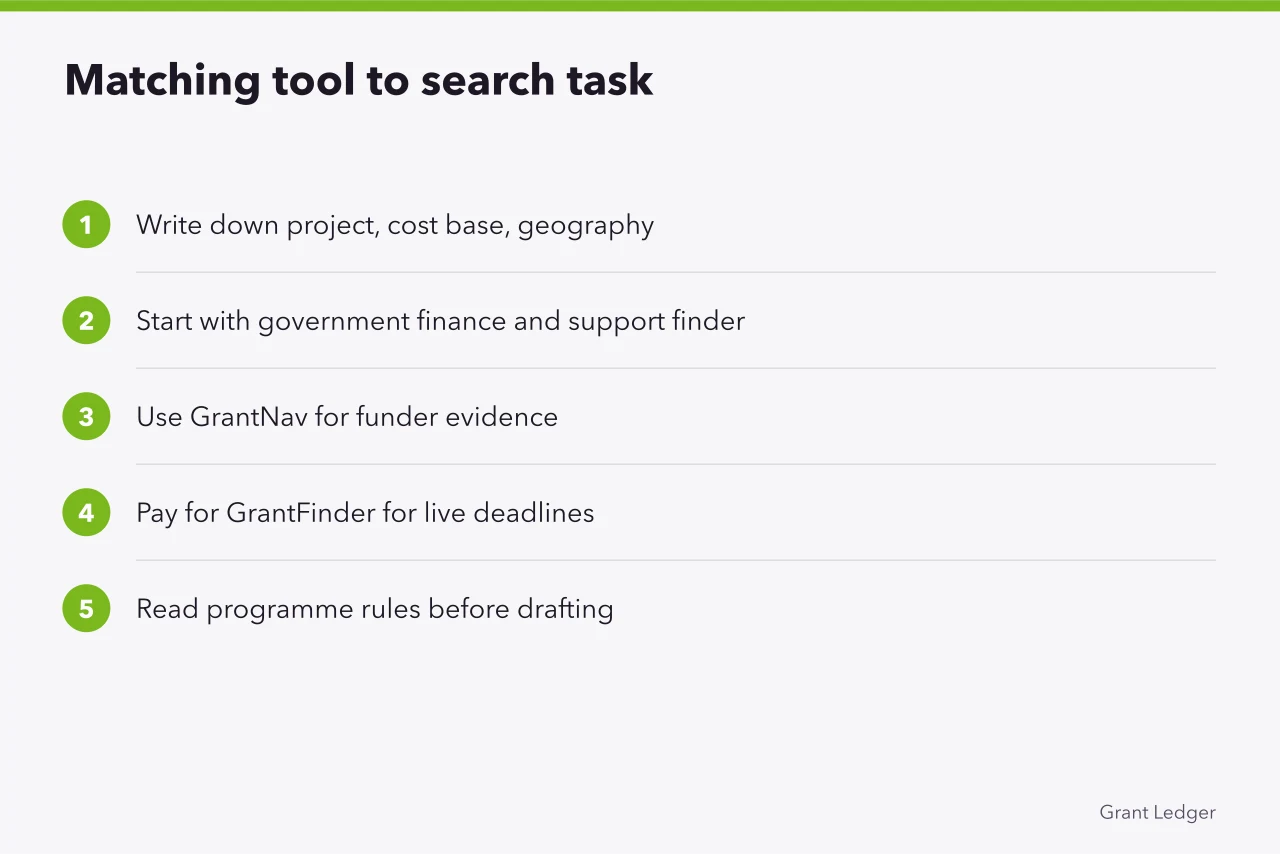
- Write down the project, its cost base and its geography before you search.
- Start with the government's finance and support finder, which lists public schemes by sector and region.
- Turn to GrantNav when you need evidence of who a funder has backed, in what amounts and where.
- Pay for GrantFinder when you need live deadlines, alerts and a saved search you will actually check.
- Read the programme's own rules before you draft a single answer.
Tax credits sit outside both tools. Research and development relief is claimed through HMRC rather than won from a funder, so check the R&D relief guidance alongside your grant search.
Weighing a database against a portal or an adviser? Our comparison of grant discovery services sets out the trade-offs on matched tasks rather than feature lists.
Keep a shortlist with the funder, deadline, maximum award and the rule that decides eligibility, then review it monthly.
Where both fall short
- A listing is not an eligibility decision. The funder's own guidance still governs who can apply and what counts as a cost.
- Awarded-grant data looks backwards. A trust that gave money last year may have closed that programme.
- Both tools depend on publication. A scheme nobody lists stays invisible to every search.
- Local and regional schemes are patchy, because England's councils publish in different ways.
- A subscription is a real cost. If you search twice a year, free tools plus the funder's own site may be enough.
Once a competition is on your shortlist, the application is the real test. Our guide to Innovate UK Smart Grants applications covers the project description and the scoring criteria.
Common questions
Is GrantNav free to use?
GrantNav costs nothing and needs no account, because it searches open data that funders chose to publish. What it shows is history: grants already awarded, not rounds still open.
Can GrantFinder replace a council search?
Not entirely. It picks up some English local authority schemes, but councils publish at different times and in different formats, so gaps appear. Check the council's own business pages as well.
Which tool should a small business try first?
Start free. Use the government finder and GrantNav to learn who funds work like yours, then pay for a subscription only if searching becomes routine.
Do either of them cover tax credits?
No. Tax credits such as R&D relief are claimed through HMRC rather than awarded by a funder, so no grant database lists them as opportunities.